
Collector guide
Can Blu-ray Players Play DVDs? What to Check First
Most Blu-ray players can play DVDs. Learn the compatibility checks that matter for regions, disc types, 4K players, and a collection you want to keep using.
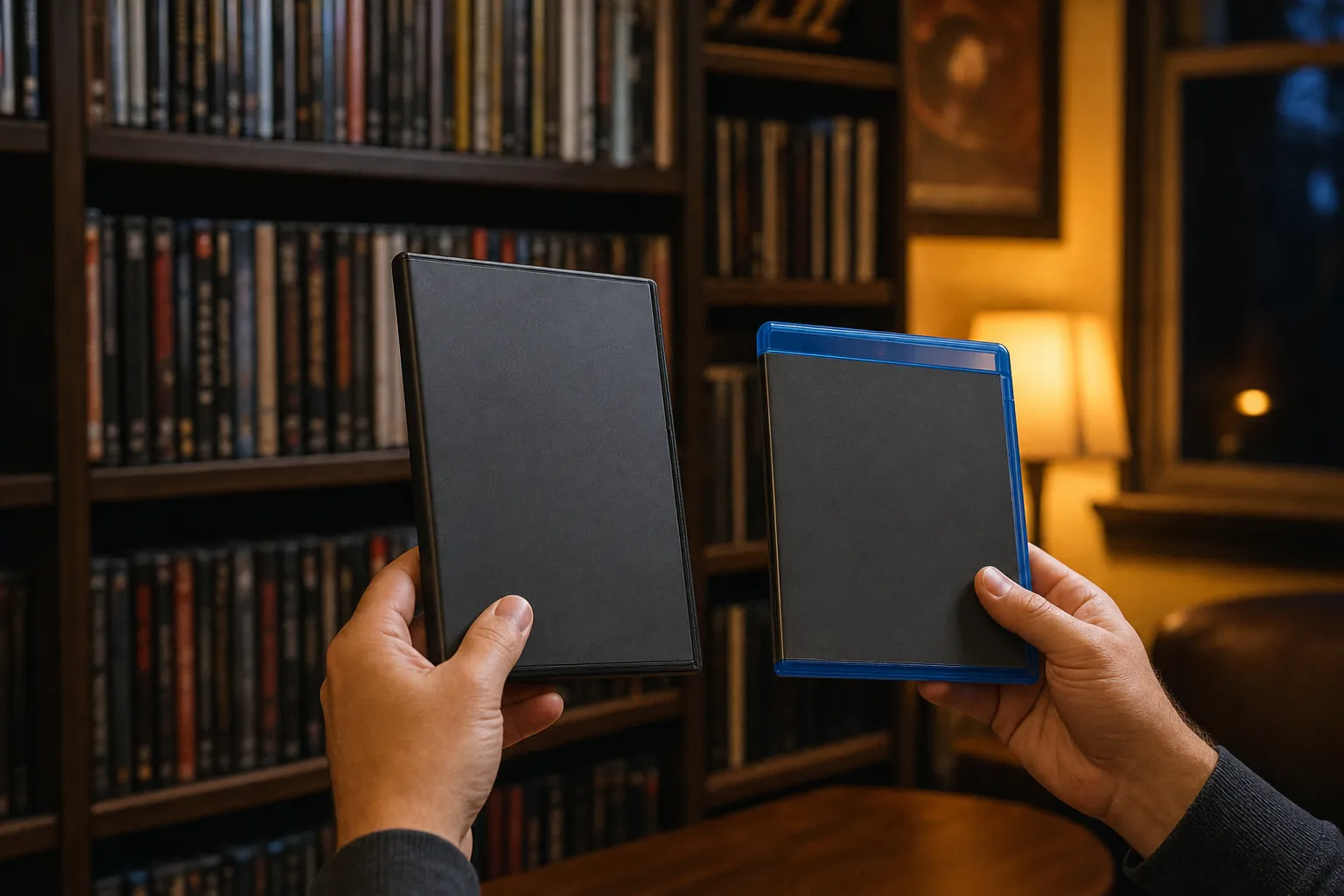
Yes, most Blu-ray players can play regular DVDs. That is the short answer. The more useful answer is that a Blu-ray player can be an easy way to keep an existing DVD shelf useful while adding Blu-ray releases over time. Before you count on it, check the exact player, the kind of disc you own, and the region printed on the case. Those small details matter more than the color of the case.
For a collector, this is not only a technology question. It is a question about whether a favorite movie, an out-of-print television season, or an imported release will still have a place in the setup. A little compatibility checking before a purchase can prevent a familiar disappointment: bringing home a disc that fits the tray but will not play.
Why a Blu-ray player can usually play DVDs
Blu-ray was designed as a newer optical-disc format that could live alongside older discs. The Blu-ray Disc Association explains that the physical disc form keeps compatibility with CD and DVD formats in mind. In practical terms, a standard Blu-ray player is normally built to read commercially released DVDs as well as Blu-ray movies.
That makes a Blu-ray player a sensible bridge for a mixed shelf. You can keep the older DVD editions that are complete, inexpensive, hard to replace, or simply familiar, while choosing Blu-ray for a title where a high-definition transfer, sound mix, or special feature matters to you. The DVD versus Blu-ray guide can help with that edition-by-edition decision.
Do not read “normally” as “every disc will work in every machine.” The player still needs to support the disc's region and type, and the disc still needs to be in playable condition. A good setup gives a collection more options. It does not erase every compatibility rule.
Check the player model, not just the Blu-ray logo
Start with the manual, support page, or specifications for the exact player model. This is especially important when buying a used player or bringing home a model you have not used before. The disc list tells you whether it supports DVDs, Blu-ray, CDs, recordable discs, and any formats you care about beyond ordinary movie discs.
For example, Sony's disc compatibility chart for a Blu-ray player distinguishes among commercial Blu-ray discs, DVD formats, recordable media, and CDs. That distinction is useful because a player that handles a standard studio DVD may not promise the same result with every homemade or recordable disc.
Look for the details that fit your shelf. If you collect ordinary U.S. DVDs and Blu-rays, standard DVD and Blu-ray playback may be all you need. If you also own concert discs, CDs, imports, burned family recordings, or older media, make a small list before you shop. A player that fits the collection you already have is more useful than a feature list you will never touch.
DVD compatibility is not the same as region compatibility
A Blu-ray player can support DVDs and still refuse a DVD from the wrong region. Most players sold in the United States are intended for Region 1 DVDs. An imported Region 2 or Region 4 disc may be perfectly clean and still stop at a region message because the player and disc are following different region rules.
Check the small region mark on the back of the case or disc before assuming something is wrong. The same habit matters when replacing a favorite title. Two copies can have near-identical cover art while carrying different region, subtitle, audio, or cut information. Our DVD region-codes guide explains the system in plain terms and gives you a quick check before buying an import.
Blu-ray has its own region system, separate from DVD. So a player that handles your Region 1 DVDs does not automatically play every Blu-ray from another market. Treat format and region as two separate questions: can the player read this kind of disc, and is this particular release approved for this player's region?
What about 4K Ultra HD Blu-ray players?
A 4K Ultra HD Blu-ray player normally gives you the broadest common disc stack: Ultra HD Blu-ray, standard Blu-ray, and DVD. It can be a comfortable choice when you want one machine for a varied collection. That does not mean every extra format is guaranteed. CD playback, SACD playback, recordable discs, and particular file discs remain model-specific features.
Do not upgrade a perfectly good DVD just because the player can make it look a little different. Some players can upscale DVDs for a modern television, which may smooth the image or make it sit better on a larger screen. Upscaling cannot add the detail that was never on the DVD, and it does not turn a standard-definition disc into a Blu-ray. Choose an upgrade when the particular release offers something you care about.
For many collectors, the sensible arrangement is mixed. Keep a DVD that has the preferred cut, extras, or availability. Add a Blu-ray or 4K edition when it meaningfully improves the movie night. That approach keeps the collection personal instead of turning it into a replacement project.
How to test your DVD shelf with a new player
Use a calm, repeatable test before putting a rare disc into an unfamiliar machine. Start with a common, commercially pressed DVD that you know has played well recently. Make sure the player is connected correctly, insert the disc, and let it reach the menu and a scene a little way into the movie. A title can load normally and show a problem later, so do not judge the player on a logo screen alone.
Then try one or two DVDs that represent your real collection: perhaps a box set, an older release, or a disc you revisit often. Return each disc to its case between tests, handling it by the outer edge and center hole. If every test disc plays, you have a good reason to trust the setup with titles that would be harder to replace.
If one disc fails while the others play, focus on that copy first. Confirm the format and region, inspect it under a soft light, and compare it with a known-good disc. The DVD player troubleshooting guide gives a sensible sequence for separating a disc issue from a player issue without taking risks with a valuable title.
Why a DVD may not play in a Blu-ray player
A failed DVD does not automatically mean the player is incompatible. Begin with the least dramatic explanations. The disc could be from another region, dirty, scratched, cracked near the center hub, or a recordable format the player does not support. A player can also have a problem that affects DVD reading while still handling some other discs.
Test a second known-good commercial DVD. If it works, do not keep forcing the first disc through repeated attempts. Inspect the original and use the DVD cleaning guide only if you can see fingerprints, dust, or residue. A gentle center-to-edge wipe can help with surface contamination. It cannot cure deep damage or a wrong region.
If several clean, compatible DVDs fail, use the support information for the exact player. Sony's disc-playback FAQ is a good example of the type of model-specific guidance to look for. Avoid improvised fixes inside the player. A carefully chosen test is more useful than repeatedly loading the rare disc you are trying to protect.
Do not confuse DVD, Blu-ray, and HD DVD
A regular DVD player cannot play a Blu-ray disc. The disc may look similar from across the room, but it uses a different format and needs a Blu-ray-capable player. Likewise, a standard Blu-ray player does not usually play HD DVD, the older competing high-definition format. Keep the case details with the disc so you can identify the format before you buy equipment or a replacement copy.
The simplest shelf label is often enough: DVD, Blu-ray, 4K Ultra HD Blu-ray, or HD DVD. When a title exists in several editions, add the region and preferred cut to a small catalog. The physical media collection guide has a simple method for recording those details without making the shelf feel like homework.
Choose a player around the collection you want to use
If your shelf is mostly standard U.S. DVDs, a reliable Blu-ray player can be an uncomplicated upgrade path. It keeps those DVDs watchable and lets you add Blu-ray releases when the edition is worth it. If imports are central to the shelf, choose equipment only after you understand the regions you need. If you care about music discs or recordable family media, confirm those formats in the model documentation too.
There is no prize for replacing every old disc. A clean DVD can be the right edition because it contains a complete television run, a preferred soundtrack, or a film that never received a broad Blu-ray release. The used DVD buying checklist can help when you are comparing a replacement or second edition rather than buying on format alone.
Retro and Classic Flixs is built for collectors who want the right movie and the right copy, especially when a standard search does not surface it. Use title search when you know the exact release you need, browse the current DVD catalog when you are open to discovery, or explore rare DVDs, out-of-print editions, and hard-to-find titles when compatibility is only one part of the hunt.
The bottom line
Most Blu-ray players can play DVDs, making them a practical choice for a collection that spans formats. Check the specific player, confirm the disc's region and type, and test with an ordinary known-good DVD before you rely on it for a treasured release. That small bit of care lets you enjoy the discs you already own while making room for the editions you want next.
Frequently asked questions
Player compatibility, answered
Can every Blu-ray player play a regular DVD?
Most Blu-ray players are designed to play standard DVDs as well as Blu-ray discs, but it is still smart to check the exact model manual before buying. Compatibility can be affected by the disc type, its region, its condition, and whether it is a commercially pressed disc or a recordable one.
Can a DVD player play a Blu-ray disc?
No. A regular DVD player cannot read a Blu-ray disc. Blu-ray uses a different format, so you need a Blu-ray player, compatible game console, or Blu-ray computer drive for a Blu-ray movie.
Will a 4K Blu-ray player play DVDs?
A 4K Ultra HD Blu-ray player normally plays standard Blu-rays and DVDs too. Confirm the model specifications, especially if you also want CD, SACD, region-free, or recordable-disc support.
Why will a DVD not play in my Blu-ray player?
Start with the simple possibilities: inspect the DVD, confirm it is the right region and format for the player, then test a known-good commercial DVD. If several clean, compatible DVDs fail, the player may need its manufacturer-recommended troubleshooting or service.
Keep exploring
More collector guides.
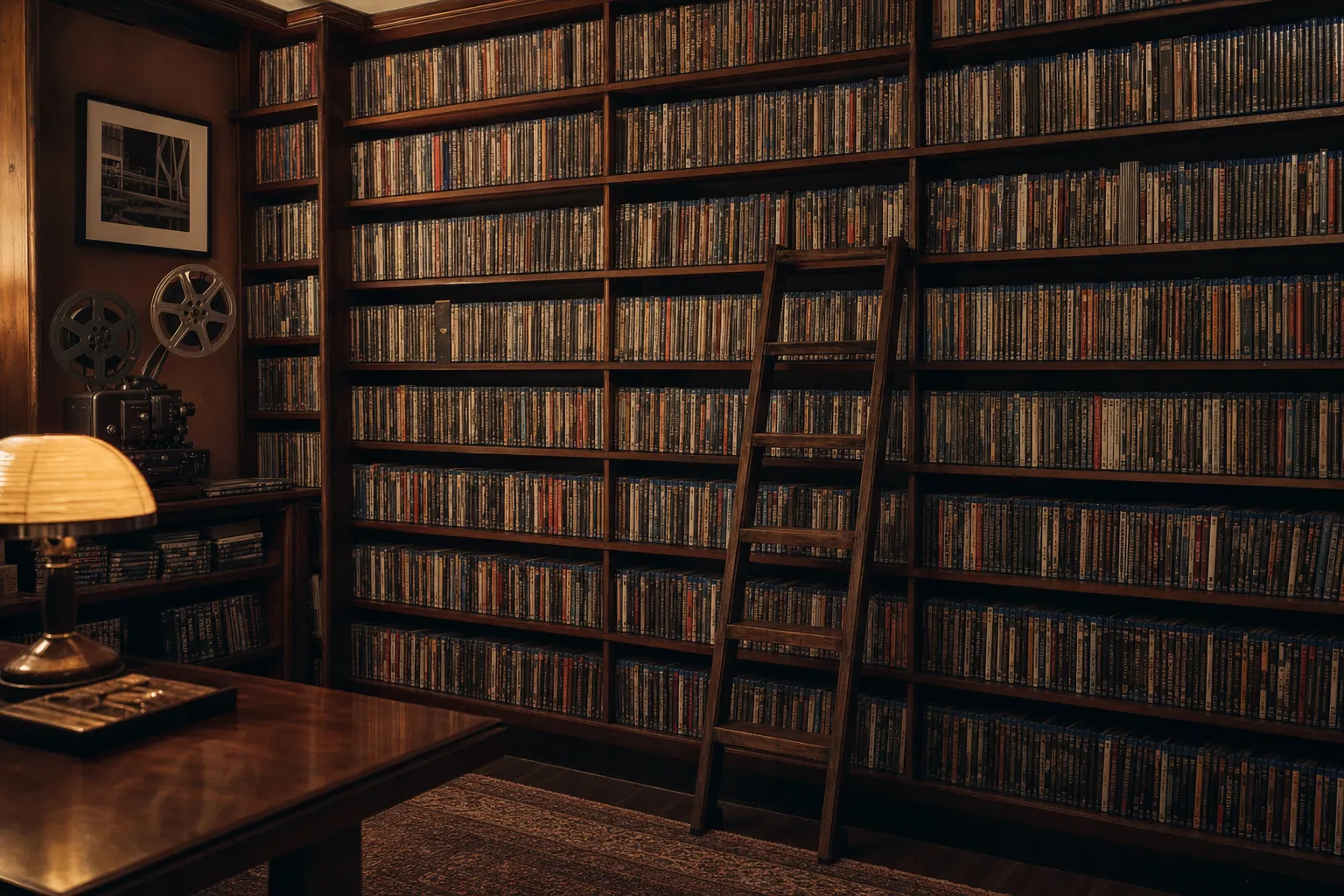
Collector guide
Physical Media Collection: How to Build One That Lasts
Build and catalog a physical media collection with a simple plan for choosing titles, recording editions, organizing a shelf, and keeping it useful.
Read guide →
Collector guide
DVD Player Not Reading a Disc? Try This First
A calm collector’s checklist for separating a disc problem from a player problem before you replace a title that may be hard to find again.
Read guide →
Collector guide
Physical Media vs Streaming: A Collector’s Guide
A clear comparison of convenience, ownership, editions, cost, and care for viewers deciding what belongs on the shelf.
Read guide →Ready for the hunt?