Collector guide
How Long Do DVDs Last? A Collector’s Care Guide
What determines a DVD’s lifespan, how to spot trouble, and the simple habits that keep a movie shelf playable.

A DVD does not come with a useful expiration date. One disc can play perfectly after years on a shelf, while another begins to skip much sooner. That uncertainty is frustrating when the title is out of print, hard to replace, or simply one you do not want to lose from movie night.
The good news is that a collector does not need a laboratory to give a shelf a better chance. A few quiet habits matter most: keep discs in their cases, handle them by the edge and center hole, avoid heat and dampness, and pay attention when a favorite disc starts behaving differently. The goal is not to make a home collection precious. It is to keep it playable.
The short answer: a DVD can last a long time, but it is not permanent
There is no single number that honestly answers how long every DVD will last. The lifespan depends on the disc itself, how it was made, how it has been stored, how it is handled, and whether the player reading it is clean and working well. A title that stayed cool, dry, clean, and protected in its case has a much better outlook than one that spent years loose in a hot car, damp basement, or crowded stack.
It also helps to separate the movie from the disc. A DVD is a physical object with layers that a player’s laser must read. If the reading surface is dirty or damaged, playback can fail even when the movie data has not simply “expired.” The National Archives’ guidance for optical discs makes the same practical point: fingerprints, dust, grit, and scratches can interfere with reading.
For a collector, that makes the right question less dramatic and more useful: is this copy still in good playing condition, and am I storing it in a way that keeps it that way? The physical media collection guide can help with the bigger decisions around organizing a shelf, but preserving a favorite starts with the individual disc.
Pressed DVDs and recordable discs do not age the same way
Most studio movie DVDs are commercially pressed. Their information is manufactured into the disc, which is different from a recordable DVD-R or DVD+R made at home. That difference matters because recordable media can vary widely by brand, dye layer, burner, and storage history. A homemade disc should not be treated as though it has the same long-term behavior as a factory movie release.
That does not mean every pressed DVD is invincible, or every recordable disc is doomed. It means a collector should avoid blanket promises. If a disc holds a personal recording, a family event, or another one-of-a-kind item, keep a current backup somewhere else. If it is a commercial movie, the best protection is usually preserving the disc, its case, and enough information to find a replacement edition if one ever becomes necessary.
Edition details matter here. A bare DVD may be easy to replace, while an older release can contain a preferred cut, commentary, subtitles, artwork, or complete television episodes that later editions leave out. That is why out-of-print DVDs deserve a little more care than a casual duplicate. Knowing what makes a copy special helps you decide which titles deserve the closest attention.
What causes a DVD to stop playing well?
Most playback problems do not arrive as a clean, obvious finish line. A disc may hesitate at one chapter, freeze during a familiar scene, make the player work harder than usual, or play in one machine but not another. Sometimes the disc is the problem. Sometimes a dirty player, a loose case, or a little residue is the real culprit.
Start with the basics. Look at the playing side under soft light without rubbing it first. Check for fingerprints, dust, cloudy patches, deep marks, or damage around the center hub. Then consider the player. A title that misbehaves only in one machine may be telling you more about that machine than about the disc. If a disc matters, test it carefully in another compatible player before writing it off.
Not every scratch has the same effect. The National Archives notes that small, occasional scratches are unlikely to stop a disc from reading, while deep damage can. It also warns that circular scratches are more harmful than marks that run from the center toward the edge. That is why any cleaning should move outward from the center rather than around the disc in circles.
Store DVDs for the room you actually have
Home preservation does not require a climate-controlled vault. It does require choosing the least troublesome part of the house. The Library of Congress recommends a cool, relatively dry, clean, stable environment for home collections, with less exposure to direct or intense light. In ordinary terms: a living-room shelf or interior closet is usually a better home than an attic, garage, shed, or damp basement.
Keep each disc in a case that holds it securely by the hub. Store the cases upright, not loose in a pile. That keeps the playing surface away from unnecessary contact and lets you pull one title without sliding several others across one another. A tidy shelf also makes it easier to notice a cracked case, a missing disc, or a title that has become difficult to replace.
Avoid making the shelf too tight. Forcing cases into place can flex the plastic and make it harder to remove a disc safely. Leave enough room to take a case out without dragging the neighboring covers, especially with box sets and older packaging. If space is the issue, choose a smaller number of cases to display and use a protected overflow section rather than turning every shelf into a pressurized stack.
This is also a sensible moment to keep a basic record of what you own. Title, format, region, edition, and shelf location are usually enough. A simple list makes it easier to spot duplicates, identify a preferred version, and decide whether a new find belongs beside what you already have. The title search is there when you know the film you need, while the genre collections are useful when the next shelf gap is more about mood than a specific title.
Handle and clean a disc without creating a new problem
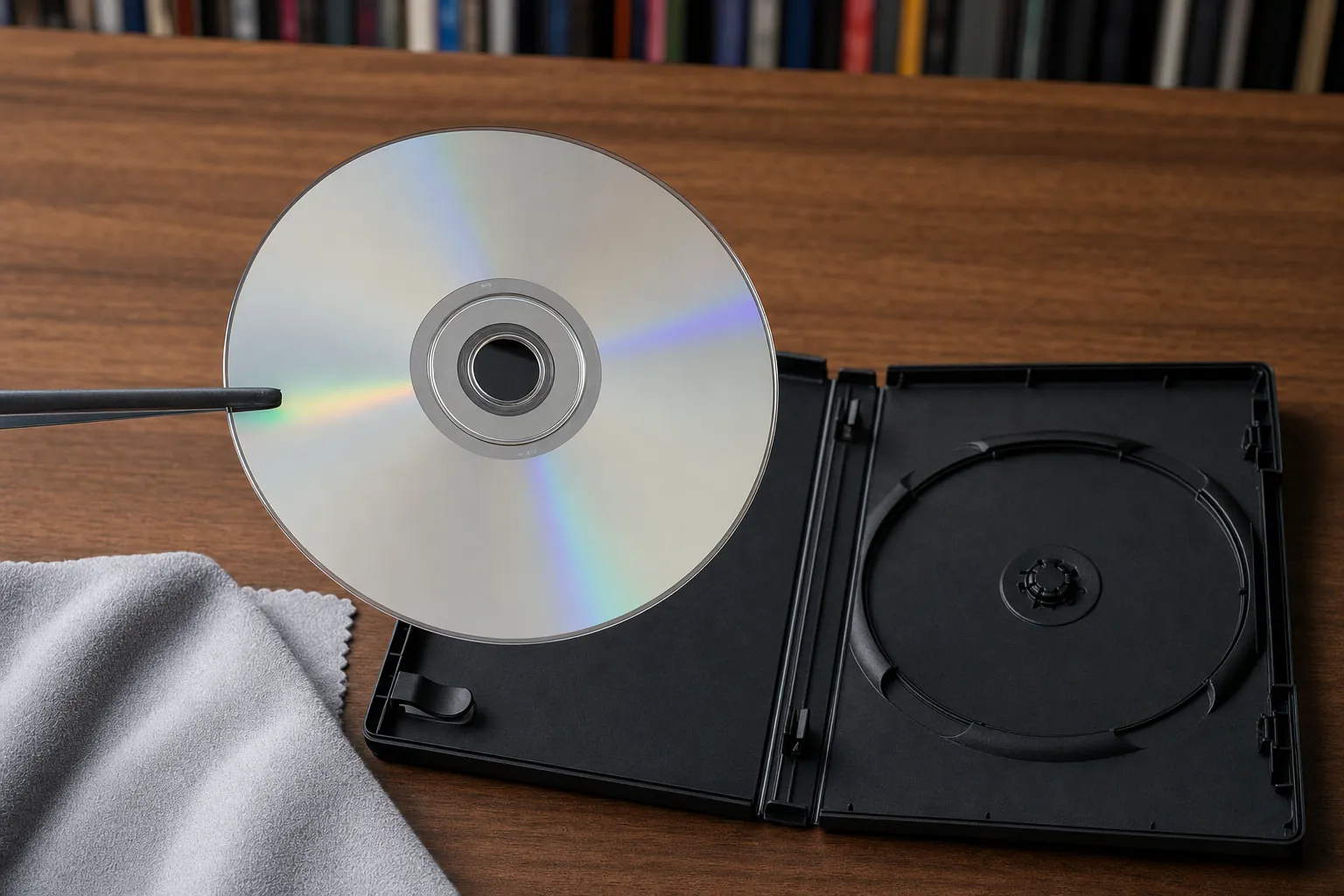
Hold a DVD by the outer edge and the center hole. Avoid pressing a thumb onto the playing surface, even when you are only moving the disc from case to player. The Library of Congress gives the same edge-and-center guidance for optical discs, and it is easy to make part of the routine.
For loose dust, an air puffer is a gentle first move. For fingerprints or similar residue, use a clean, soft, lint-free cloth and wipe in a straight line from the center outward. Do not scrub in circles. Let the disc dry fully before putting it back in its case or attempting playback. Skip home repair schemes that promise to cure deep damage, especially on a rare title. An aggressive fix can turn a recoverable issue into a permanent one.
Keep food, drinks, smoke, and strong cleaning chemicals away from the shelf. Clean the player according to its manufacturer’s instructions too. A well-kept disc going into a neglected player is not a fair test of the disc. When a valuable title is suddenly troublesome, treat the problem as a small investigation: inspect the disc, clean it carefully if needed, and test with a known-good player.
Use a simple checkup instead of waiting for a failure
A collection does not need constant maintenance, but it benefits from a modest routine. Once or twice a year, choose a small group of titles that would genuinely hurt to lose: favorite films, hard-to-find releases, box sets, imports, and anything you bought for a particular version. Take each case down, make sure the hub is not broken, check that the disc is seated properly, and look for obvious residue or damage. This takes minutes, not a weekend.
When possible, play a scene from a few of those discs rather than only looking at them. Choose a chapter later in the movie as well as the opening menu, because a disc can begin normally and show trouble farther into the program. If playback is clean, return it to the shelf and move on. If it hesitates, make a note of the exact point and test it in another compatible player before deciding whether you need to search for a replacement.
A small catalog makes this much easier. Add a short note such as “tested August 2026” beside a title only when that information will help you later. You are not trying to create museum paperwork. You are making it possible to distinguish a disc you last watched without issue from one you have been meaning to investigate. That difference matters when a rare title suddenly becomes unavailable.
Use the same routine to check cases and inserts. A cracked hub can put pressure on a disc, a missing tray can leave it loose, and a warped cover can tell you that the shelf is getting more heat or moisture than it should. Replacing a damaged standard case is often simple and inexpensive. Catching it early is kinder to the disc than waiting until it rattles around loose.
Prioritize the titles that would be hard to replace
Not every DVD needs the same level of attention. Start with the titles that are out of print, imported, difficult to locate, or tied to a specific edition you prefer. Those are the discs most likely to matter when a minor storage problem turns into an expensive hunt.
Give those cases a quick check once in a while. Confirm the disc is present, the hub still grips cleanly, the case closes, and there is no obvious haze, debris, or damage. You do not need to play every title every month. A calm rotation through the films you care about most is enough to catch a problem before the title becomes impossible to find.
For a scarce film, the replacement question matters as much as the care question. The hard-to-find DVDs page and region-free DVD guide can help when the best available edition may be an import or a less routine release. The more clearly you know the version you own, the more confidently you can replace it if you ever need to.
Keep the shelf ready for the next movie night
A DVD collection earns its space when it stays easy to use. Keep the cases upright, avoid heat and moisture, handle discs by their edges, and let a small issue get your attention before it becomes a bigger one. That is enough care for most shelves, and it preserves the reason you bought the discs in the first place: reliable access to films you want close at hand.
Retro and Classic Flixs is built for the part of collecting where the first available copy is not always the right one. When you are ready to replace a missing favorite, compare editions, or fill a real gap in the shelf, browse the catalogue, use title search, or explore the current movie catalogue. A well-kept collection is not about keeping everything. It is about keeping the versions that still matter to you.
Frequently asked questions
DVD care, answered
How long do commercially pressed DVDs last?
There is no dependable expiration date for every DVD. A commercially pressed disc can remain playable for many years when it is handled carefully and stored in a cool, dry, stable place, but its condition, manufacturing, storage history, and use all matter. The practical approach is to protect the discs you value and check them before they become difficult to replace.
Do DVDs wear out from watching them?
Normal playback does not physically wear the data layer in the way a record needle wears a vinyl groove. The greater risks are scratches, dirt, fingerprints, heat, moisture, poor storage, and a damaged or dirty player. A clean disc and a well-maintained player give a collector the best chance of continued reliable playback.
Can scratched DVDs still work?
Yes. Small, occasional scratches may not affect playback, especially when they run from the center toward the edge. Deep damage and scratches that circle around the disc can interfere with reading. If a favorite title starts skipping, test it in a clean compatible player and inspect the disc before assuming the disc is finished.
Should DVDs be stored flat or upright?
Store each DVD upright in a protective case rather than in a loose stack. Upright storage reduces pressure and makes the disc easier to find without handling the playing surface. Keep the shelf away from direct sun, heat vents, damp basements, and other places with big temperature or humidity swings.
Keep exploring
More collector guides.
Collector guide
Physical Media Collection: How to Build One That Lasts
A practical starting point for choosing, cataloging, organizing, storing, and enjoying a movie collection you will actually use.
Read guide →
Collector guide
Physical Media vs Streaming: A Collector’s Guide
A clear comparison of convenience, ownership, editions, cost, and care for viewers deciding what belongs on the shelf.
Read guide →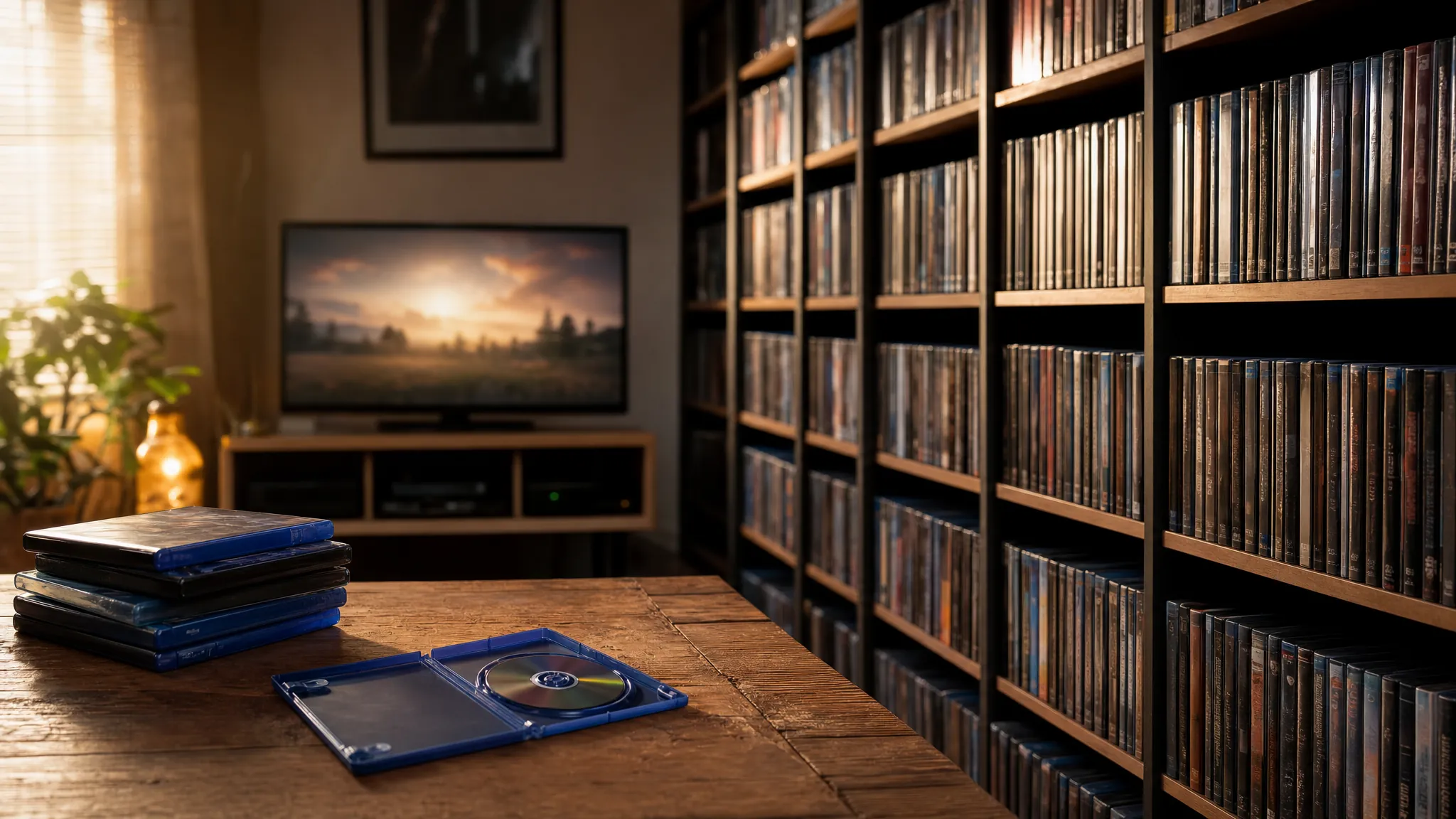
Collector guide
What Is Physical Media? A Movie Collector’s Guide
A clear guide to DVDs, Blu-rays, editions, and the reasons some films deserve a place on your shelf.
Read guide →Ready for the hunt?